
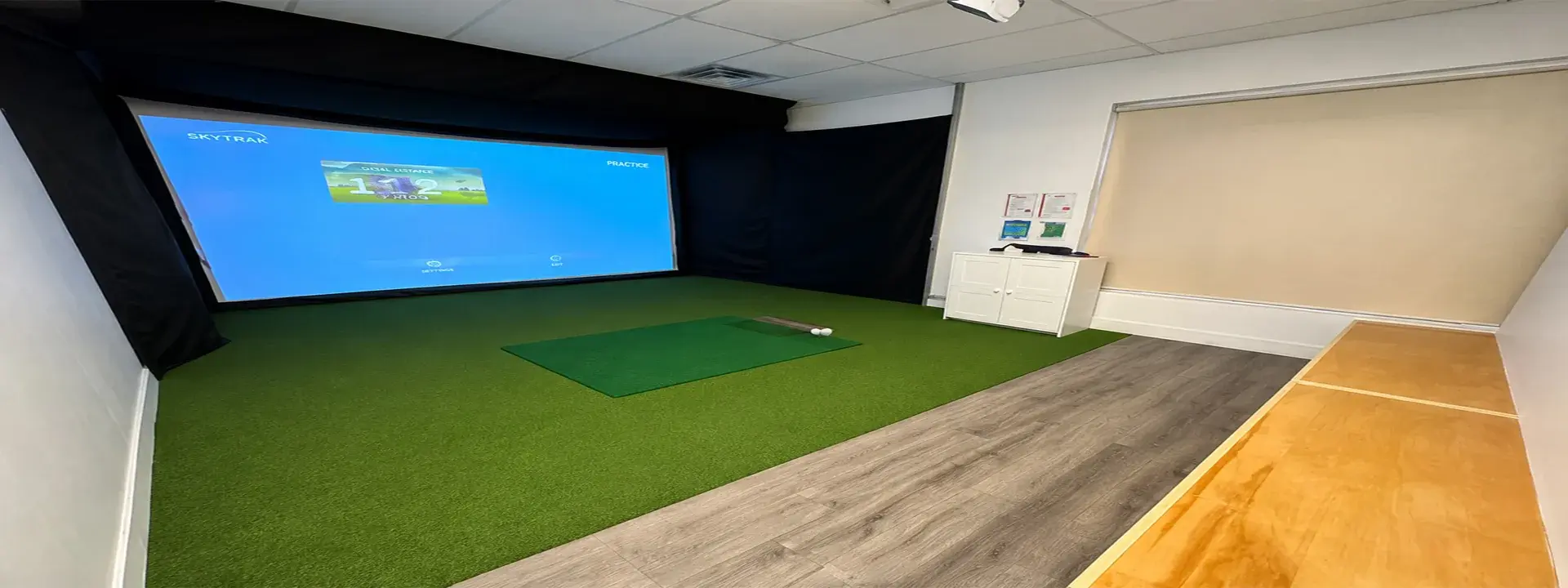
GTR Pro and Bravo side by side
| Item | GTR Pro | Bravo |
|---|---|---|
| Locations | Pembroke and Trenton | Oshawa and Belleville |
| Getting balls | Automated ball dispenser | Place one ball on the marked spot on the mat |
| Practice | Downtown, Norway or Turkish range | Driving range |
| Playing a course | Stroke play from the course list | Game mode from the course list, with a Special filter |
| Guest sign-in | Guest Login | Guest |
| Left-handed play | Bays are marked on each location page | Set in the player settings; bays are marked on each location page |
What to expect on GTR Pro
Open the GTR Launcher, click Game start and choose PRO mode. There is also a Kids mode. Sign in with Guest Login, then set each player's name, tee position and difficulty. Up to six players can join.
For a round, choose Stroke, pick a course and set the green speed and concede distance. You can also decide whether shots from the rough and bunkers are played from their matching mats or from the fairway mat.
What to expect on Bravo
Click the BravoGolf icon, then GAME START. Click Guest and type each player's name. The gear icon sets the tee, difficulty and left- or right-handed play.
Choose Game to play a course or Driving Range to practise. At the mat, put a single ball on the marked spot. Only one ball goes down at a time.
Which one should you book?
For most people, the closest location decides it. Each location has one simulator type, so you choose the simulator by choosing where to play.